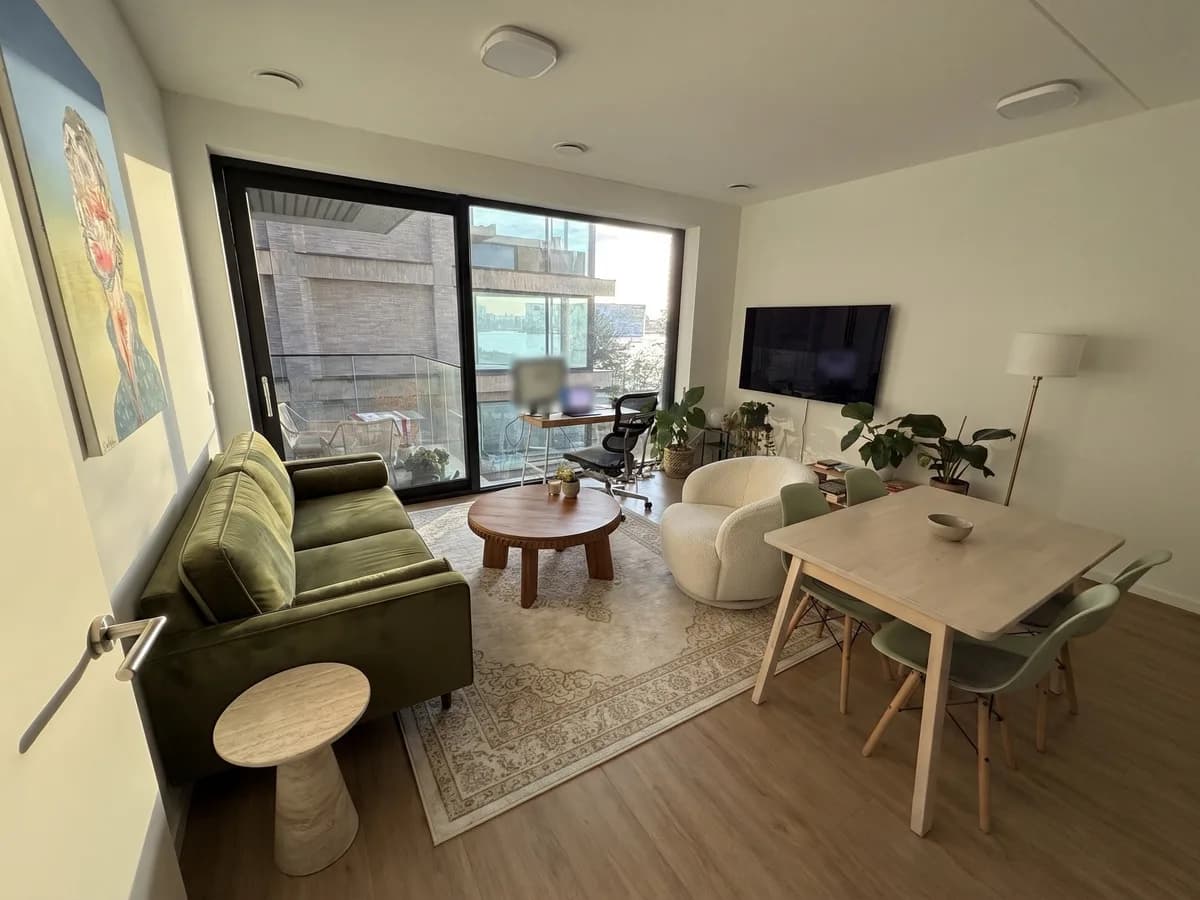
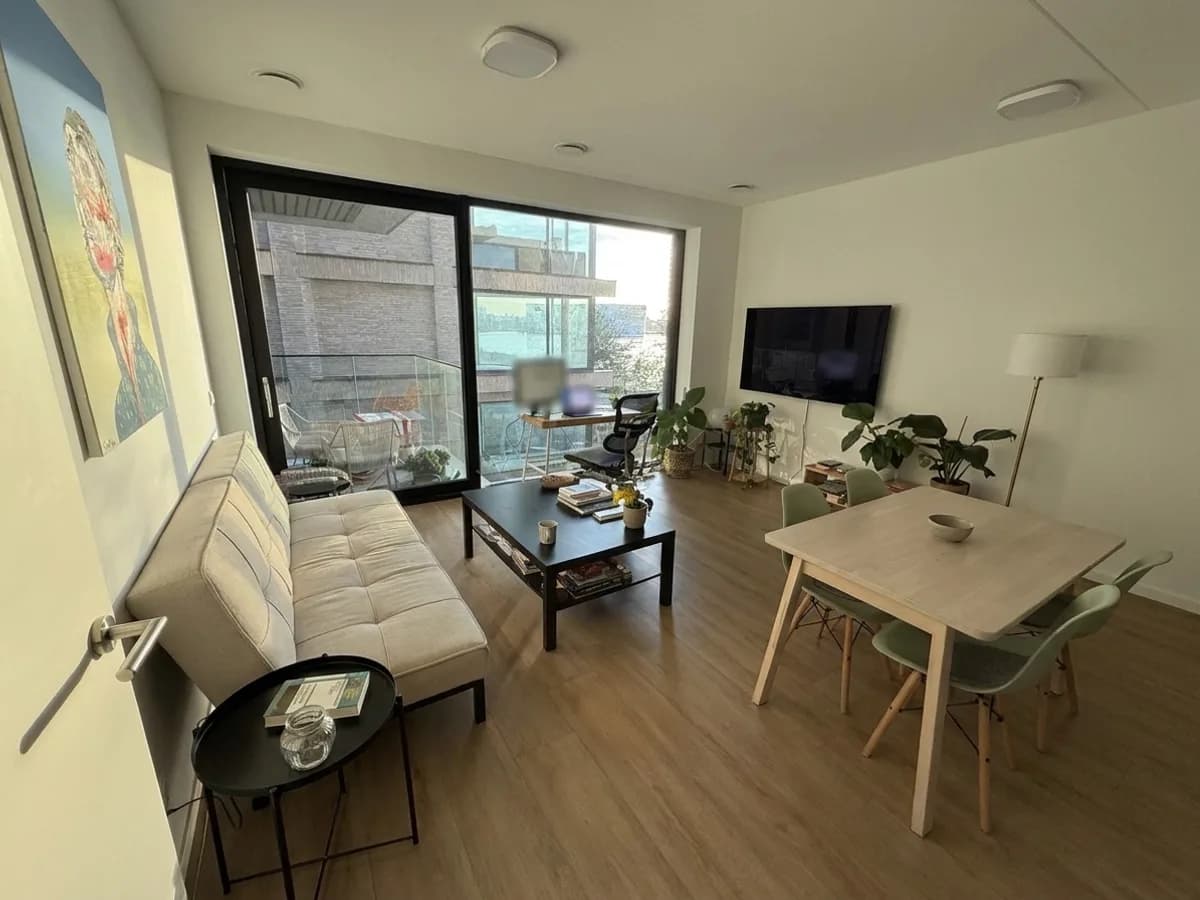
What you can do with one photo
- Furnish a room: AI picks real IKEA and Sklum pieces for what you need and puts them in your photo.
- Place one piece: paste a product link and see that sofa, bed or cabinet in your room.
- Restyle the room in one of nine styles, from Scandinavian and Japandi to Industrial and Farmhouse.
- Copy a look: paste a Pinterest pin and say what to take from it, like the example above.
- Change the walls, the floor or the light: morning, afternoon or evening.
Real furniture, not imagined furniture
Many AI room generators invent furniture that looks good but doesn’t exist. redsgn works from real shop catalogues: every piece the furnish chat picks has a product page, a price and its real width, depth and height. The AI places it at those dimensions, sizing it against doors and other standard heights in your photo.
Taking a good photo
- Stand in a corner or the doorway and hold the phone level, at chest height.
- Get the floor and at least one full wall in the frame.
- Daylight works best; turn on the lights if it’s dark.
- A normal photo, not a wide-angle or panorama shot.
Where it stops
Every image is an AI visualisation and stays an impression, not a technical drawing. It doesn’t measure your room, so check the space yourself before you order. Furnish works for living rooms, bedrooms, dining corners and home offices; it doesn’t do bathrooms or kitchen cabinets yet.